
Basics·6 min read
How to Edit Photos Online Without Uploading Them
Learn how browser-based local photo editing protects private images while still giving you practical crop, adjustment, text, and export tools.
Read guideEdicsy guides
Clear, practical lessons for editing photos privately in your browser—from the first crop to the final download.
15 guides
Learn how browser-based local photo editing protects private images while still giving you practical crop, adjustment, text, and export tools.
Read guide
Understand 1:1, 4:3, 3:4, 16:9, and 9:16 crop ratios and learn how to frame photos without stretching or losing important details.
Read guide
Learn what essential photo adjustments do, which order to use them in, and how to avoid washed-out highlights, blocked shadows, and unnatural color.
Read guide
Compare JPEG, PNG, and WebP for photo quality, transparency, compatibility, and file size so you can choose the right export format.
Read guide
Use a mobile browser photo editor for crop, filters, adjustments, text, retouching, and high-quality downloads without installing another app.
Read guide
Learn practical typography techniques for captions, social graphics, invitations, and promotional images using editable text layers.
Read guide
Create a transparent-background image, refine difficult edges, and choose PNG or WebP so the removed background stays transparent.
Read guide
Use healing brush size, softness, and strength carefully to clean temporary blemishes while preserving real skin texture and identity.
Read guide
Choose a filter that supports the image, control Look intensity, and combine presets with manual adjustments for a consistent natural style.
Read guide
Choose output dimensions, aspect ratio, format, and quality settings that keep photos sharp without creating unnecessarily large files.
Read guide
Frame square posts, vertical photos, and profile pictures so faces and important details survive automatic platform cropping.
Read guide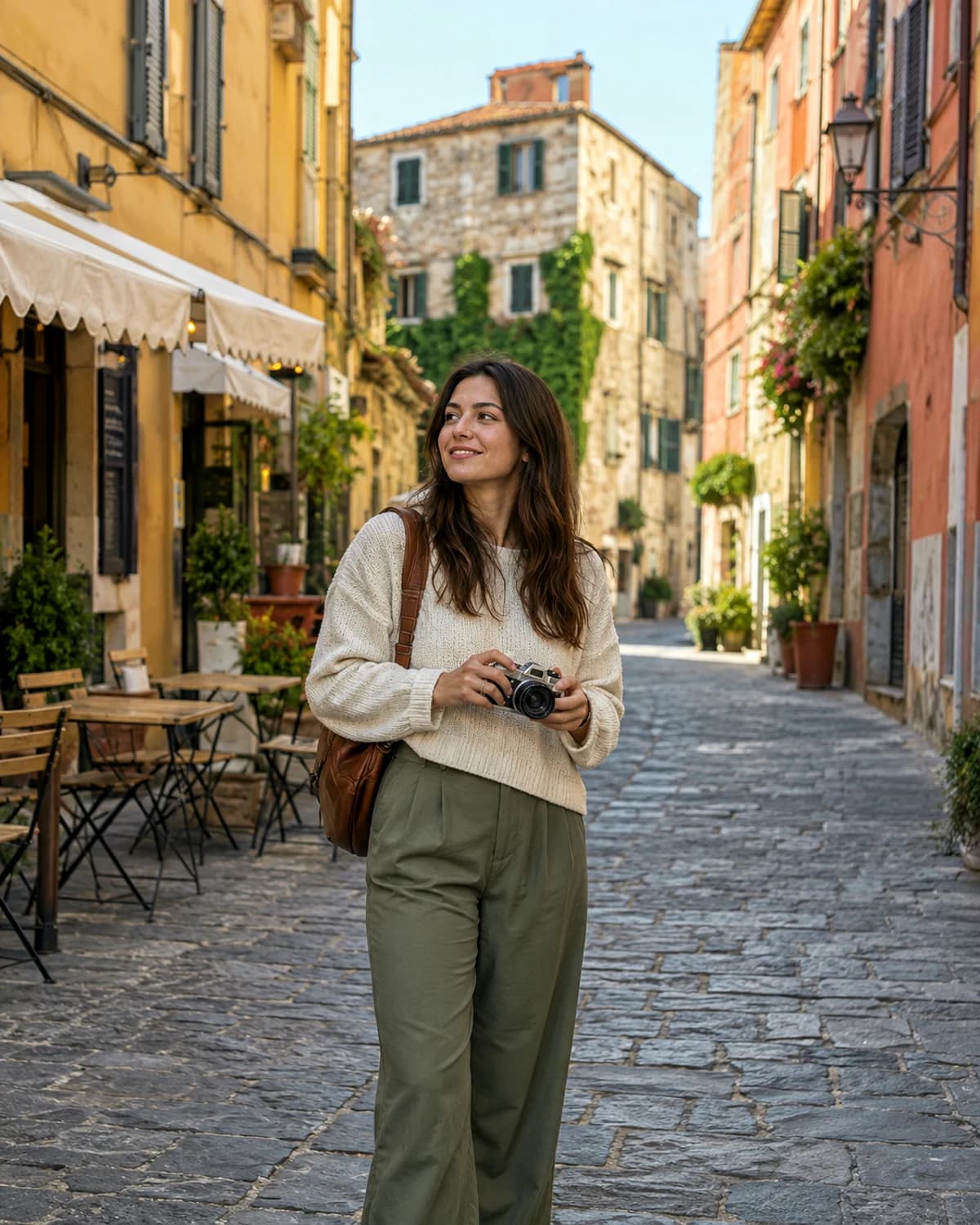
Prepare square, portrait, and vertical Instagram photos with practical pixel dimensions, safer framing, and crops that protect faces and important details.
Read guide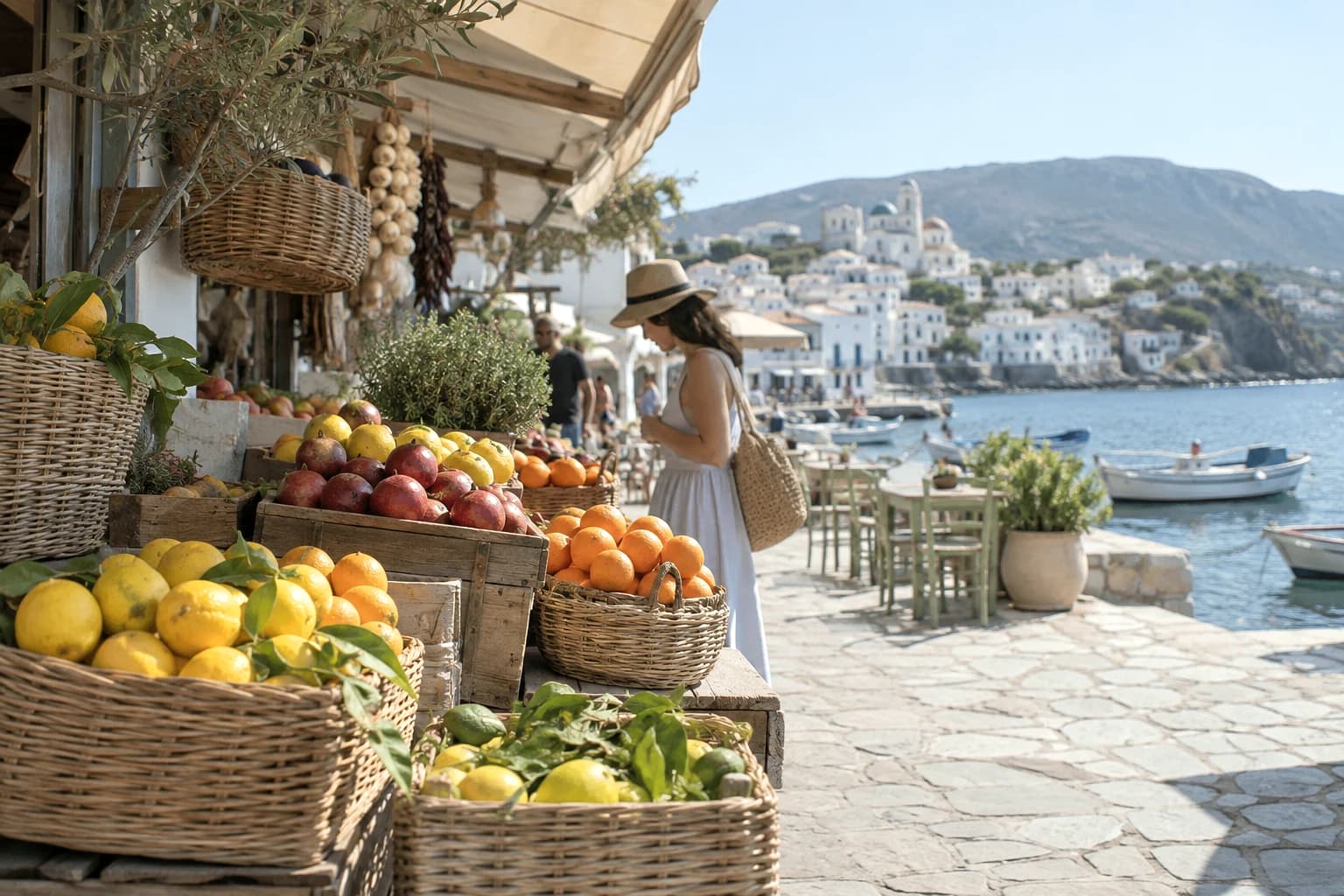
Create a cohesive Instagram carousel by matching crop, exposure, white balance, and filter mood while preserving the character of each individual photo.
Read guide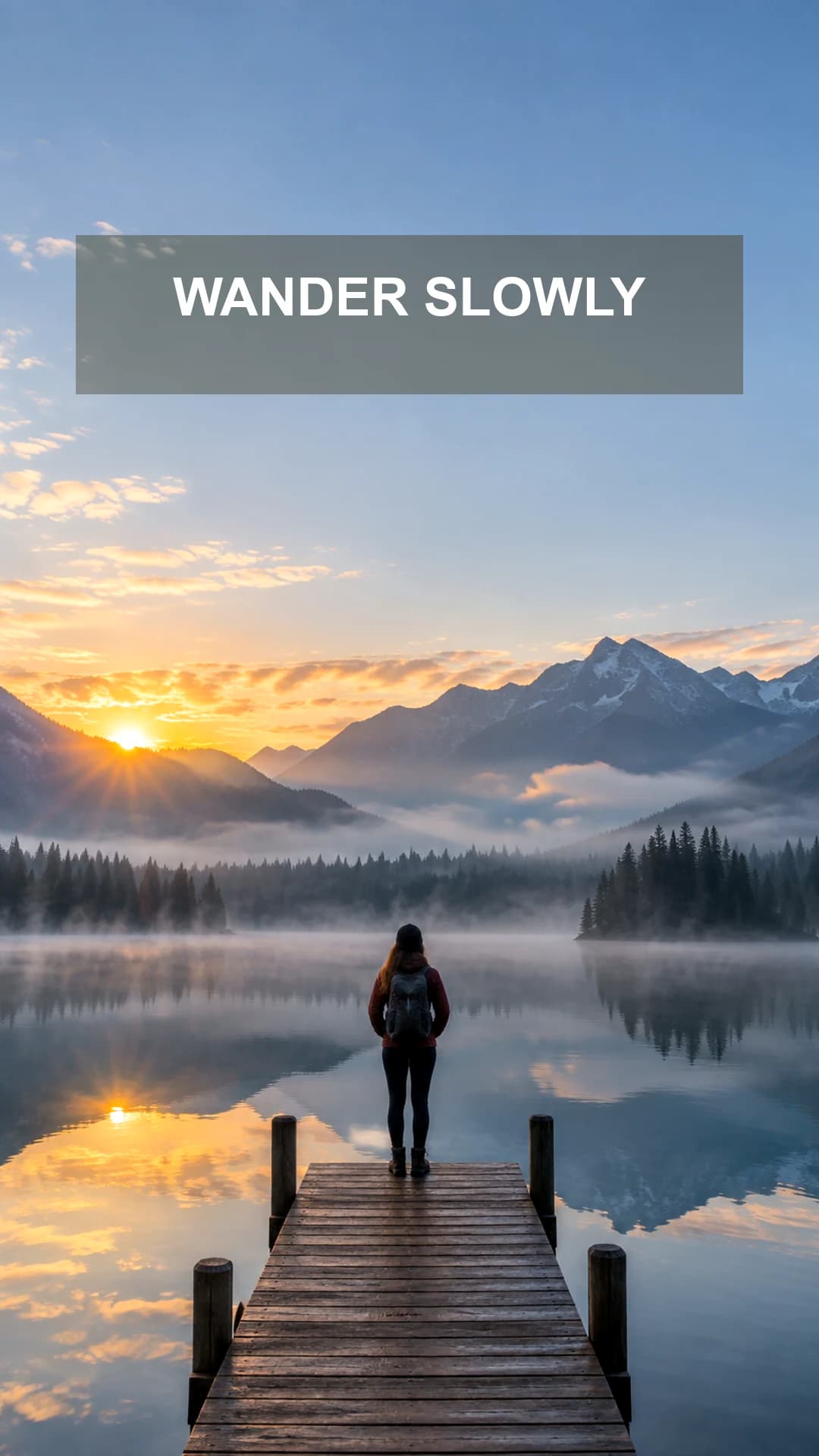
Design a clear 9:16 Instagram Story with readable text, strong contrast, comfortable safe areas, and an export that stays sharp on mobile screens.
Read guide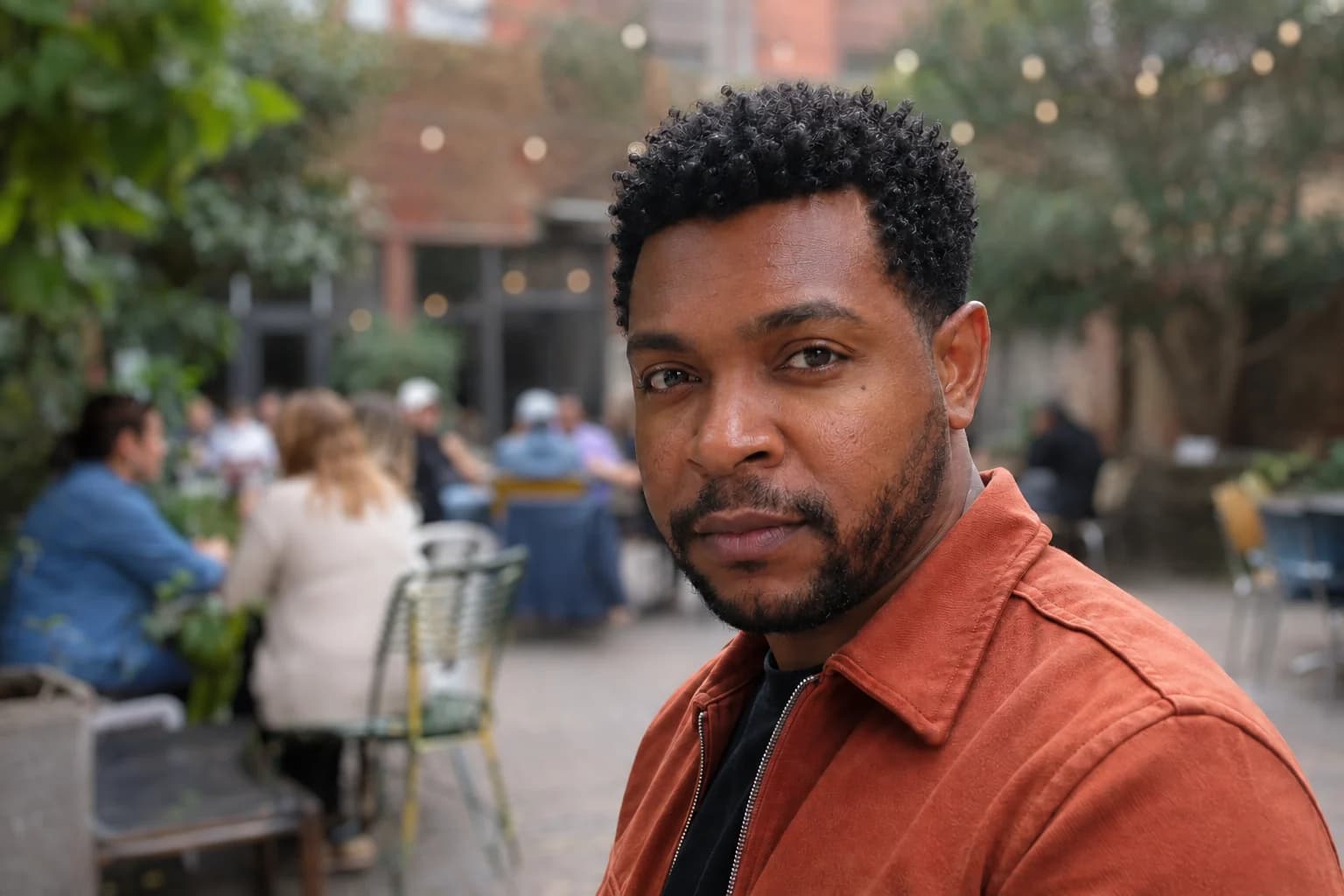
Create a DSLR-style portrait look while keeping faces, hair, and clothing sharp and avoiding obvious cutout edges.
Read guide