Crop guide
How to Crop a Photo to the Perfect Aspect Ratio
Cropping changes more than image size. It changes where the viewer looks, how balanced the composition feels, and whether the picture fits its destination. Choosing the right aspect ratio before export prevents awkward automatic cropping later.
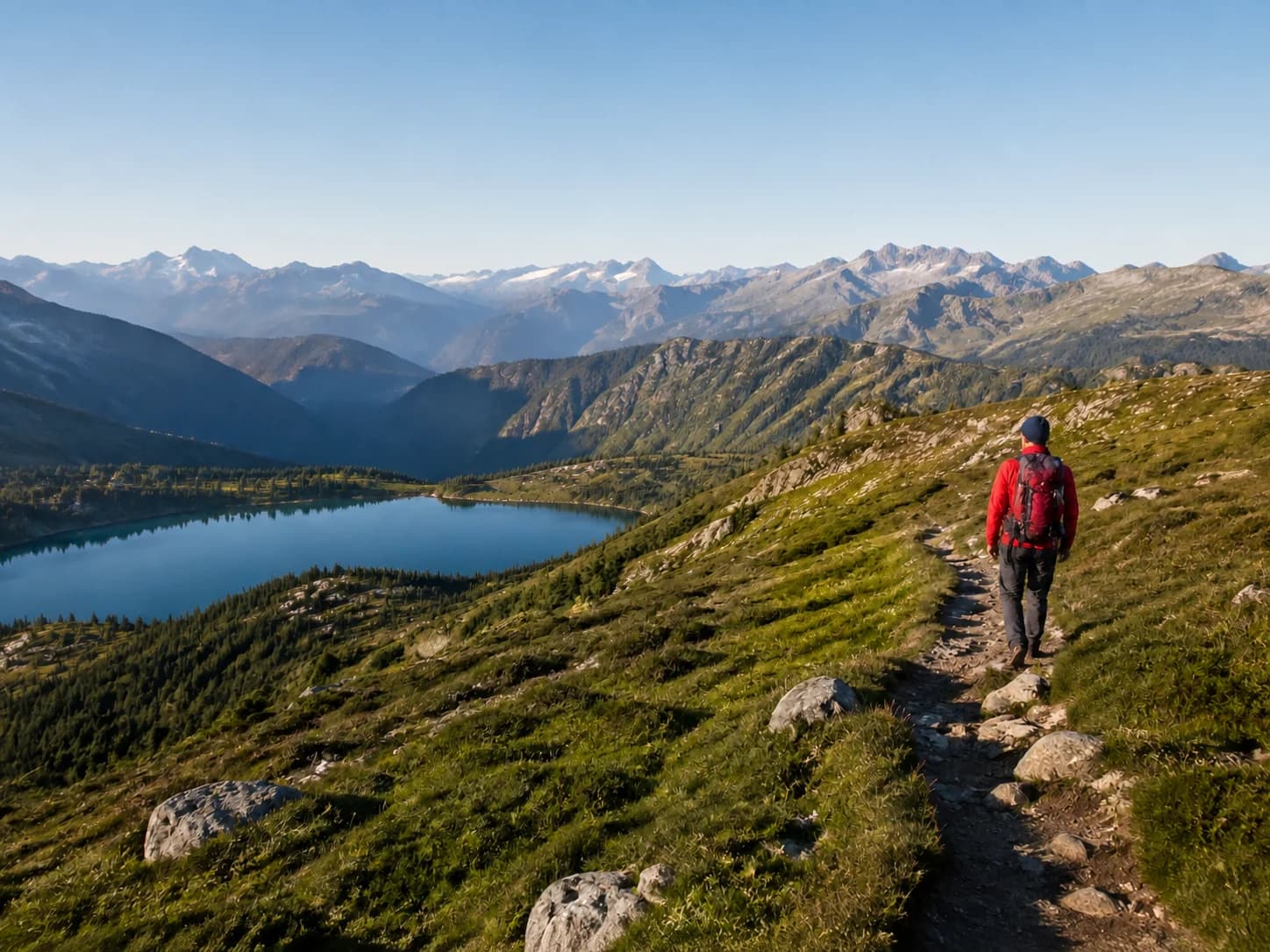 BeforeAfter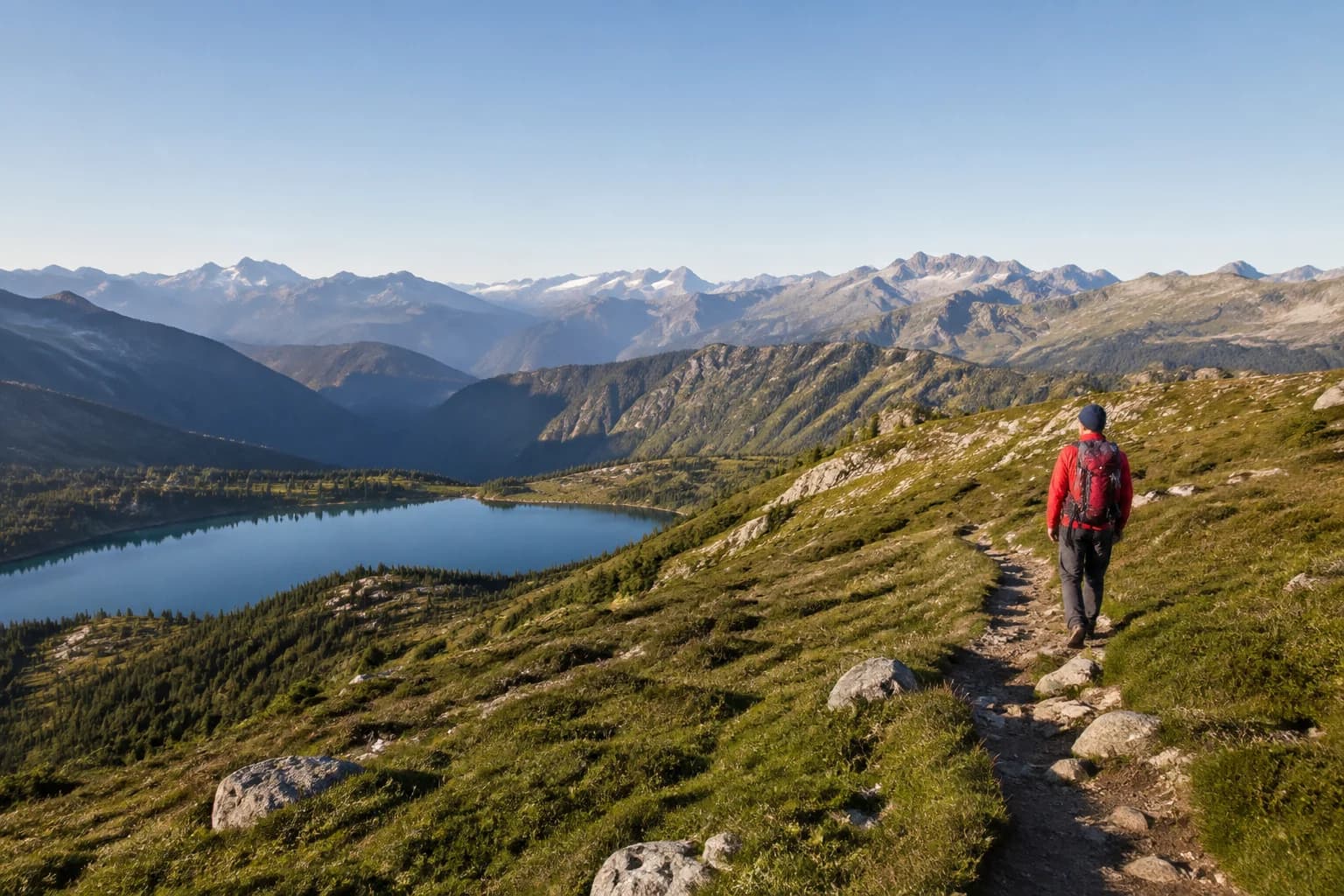
Common crop ratios explained
A 1:1 square works well for profile images and grid layouts. A 4:3 landscape ratio feels natural for many cameras and product photos, while 3:4 is its portrait counterpart. The wide 16:9 format suits banners and video thumbnails. A vertical 9:16 crop fills most phone screens.
Original ratio preserves the photo’s existing proportions. Freeform cropping is useful when exact platform dimensions do not matter or when removing a distracting edge is the main goal.
Reframe instead of stretching
A proper crop selects a source rectangle and makes that rectangle the new image boundary. It should never squeeze the original pixels into a different shape. If a person looks unusually narrow or a circle becomes an oval, the image has been resized without preserving its ratio.
- Select the intended ratio.
- Zoom the photo until the crop frame contains no empty space.
- Drag the photo to position the subject.
- Use rule-of-thirds guides to place eyes, horizons, or focal points.
- Apply the crop and confirm the new pixel dimensions before export.
Composition tips that work
Leave breathing room in the direction a person is looking or an object is moving. Keep horizons level unless a deliberate diagonal supports the image. Avoid placing faces or text too close to the edge because social platforms may add rounded corners or interface overlays.
For portraits, crop through the torso or between joints rather than directly through elbows, knees, or ankles. For products, keep enough surrounding space to show shape while removing irrelevant background.
Exporting the visible crop
The exported width and height should match the applied crop ratio. With aspect-ratio lock enabled, changing one output dimension should calculate the other automatically. This keeps a square crop square and a 16:9 crop wide without distortion.
Practical tips
- Place eyes near an upper thirds line in portraits.
- Leave extra space around profile photos because platforms may use circular masks.
Common mistakes
- Stretching an image to force a new ratio.
- Cropping so tightly that important details touch the edge.