Crop guide
How to Crop Photos for Instagram and Profile Pictures
Social platforms display the same photo in feeds, grids, previews, and often a circular profile mask. A crop that looks balanced in the editor can feel cramped after interface overlays are added, so it helps to frame with a deliberate safe area.
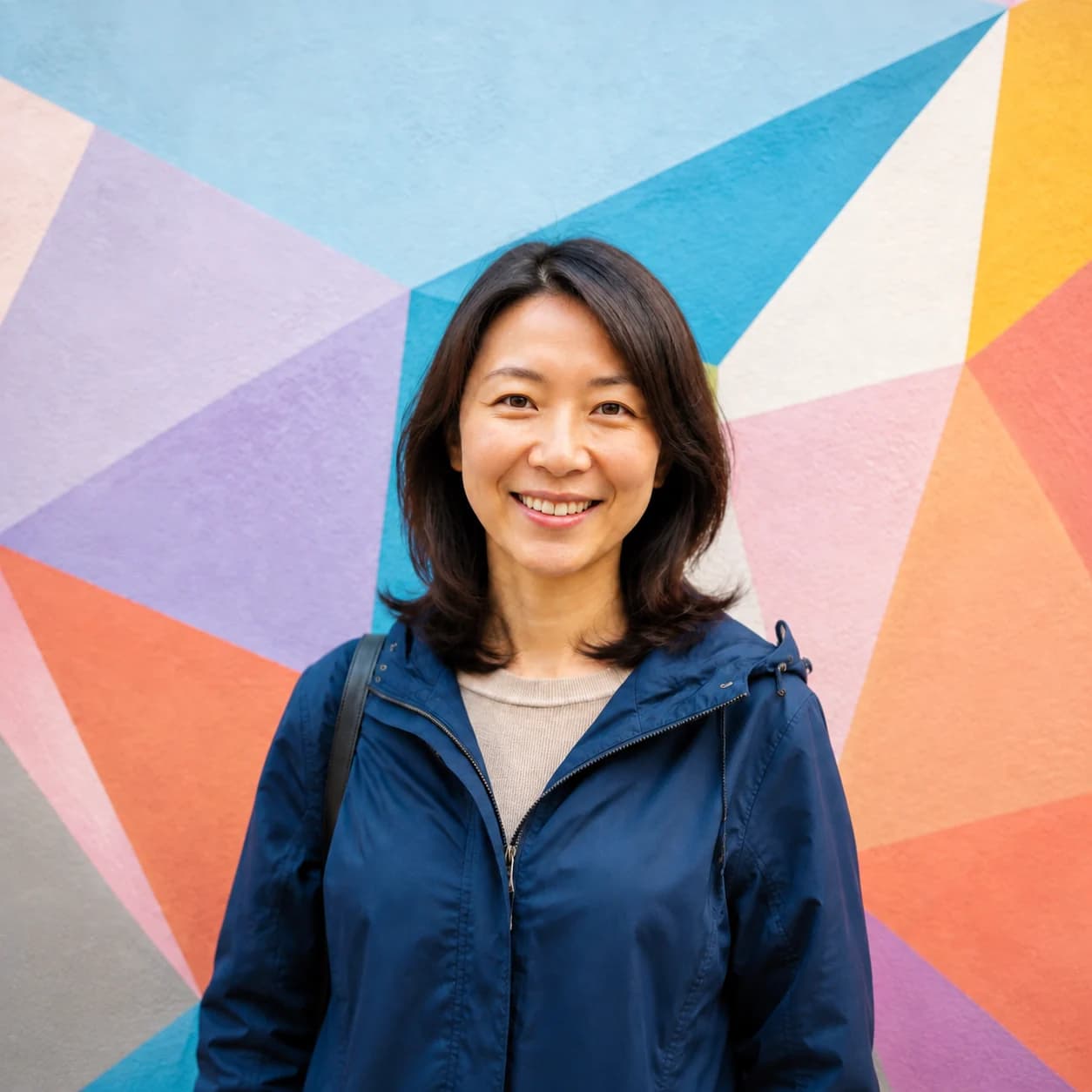 BeforeAfter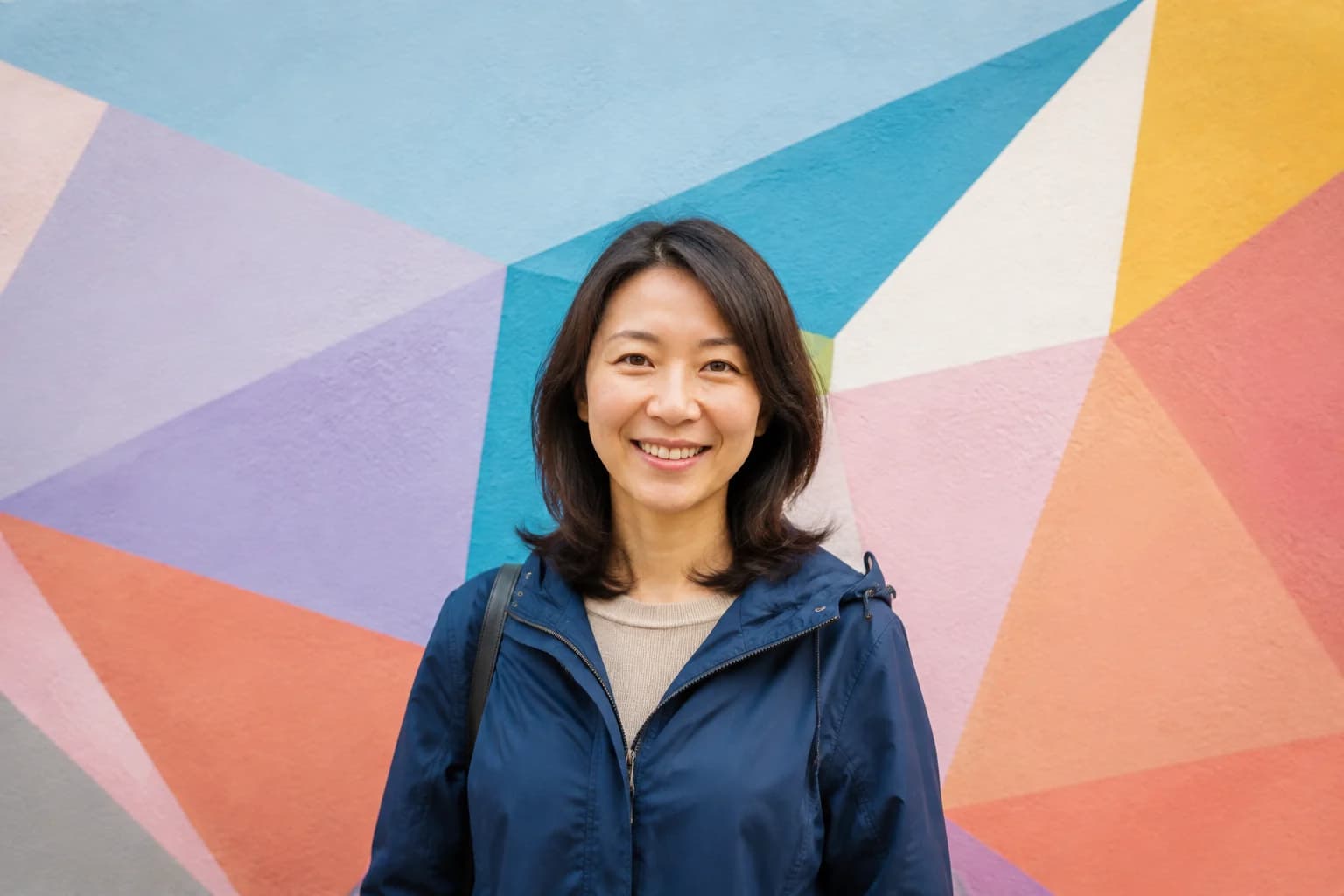
Choose the destination before cropping
Use 1:1 for a dependable square composition, 4:5 for a tall feed portrait, and 9:16 for a full-screen Story or Reel cover. For a profile picture, prepare a square first, then imagine a circular mask and keep the face comfortably inside the middle area.
A practical export set is 1080 × 1080 for square posts, 1080 × 1350 for 4:5 feed portraits, and 1080 × 1920 for full-screen vertical work. Treat these as working templates rather than a promise that every Instagram surface will display every edge.
- Choose the destination before opening Crop.
- Select 1:1, 4:5, or 9:16 for that placement.
- Zoom until the frame contains no empty space.
- Move the face or main subject into a clear focal position.
- Leave a safety margin around heads, hands, logos, and text.
- Apply the crop and export a separate copy for each placement.
Protect the subject from interface overlays
Usernames, buttons, captions, and circular masks can cover the outside edges of an image. Keep eyes, product labels, and important words away from corners. If the photo includes more than one person, leave enough width so nobody is cut off in a small preview.
Reframe instead of stretching
Changing aspect ratio should select a new source rectangle, not squeeze the photo. If a wheel becomes oval or a face becomes narrow, cancel and crop again with proportions locked.
Before posting, use Instagram's preview to check the grid thumbnail, full feed view, and circular profile mask. Interface placement changes over time, so keep the only copy of an important face or word away from the outer edge.
Practical tips
- Keep faces and text inside a generous central safe area.
- Export separate crops for feed, profile, and full-screen placements.
Common mistakes
- Assuming every placement uses the same crop.
- Putting important details under likely interface controls.